
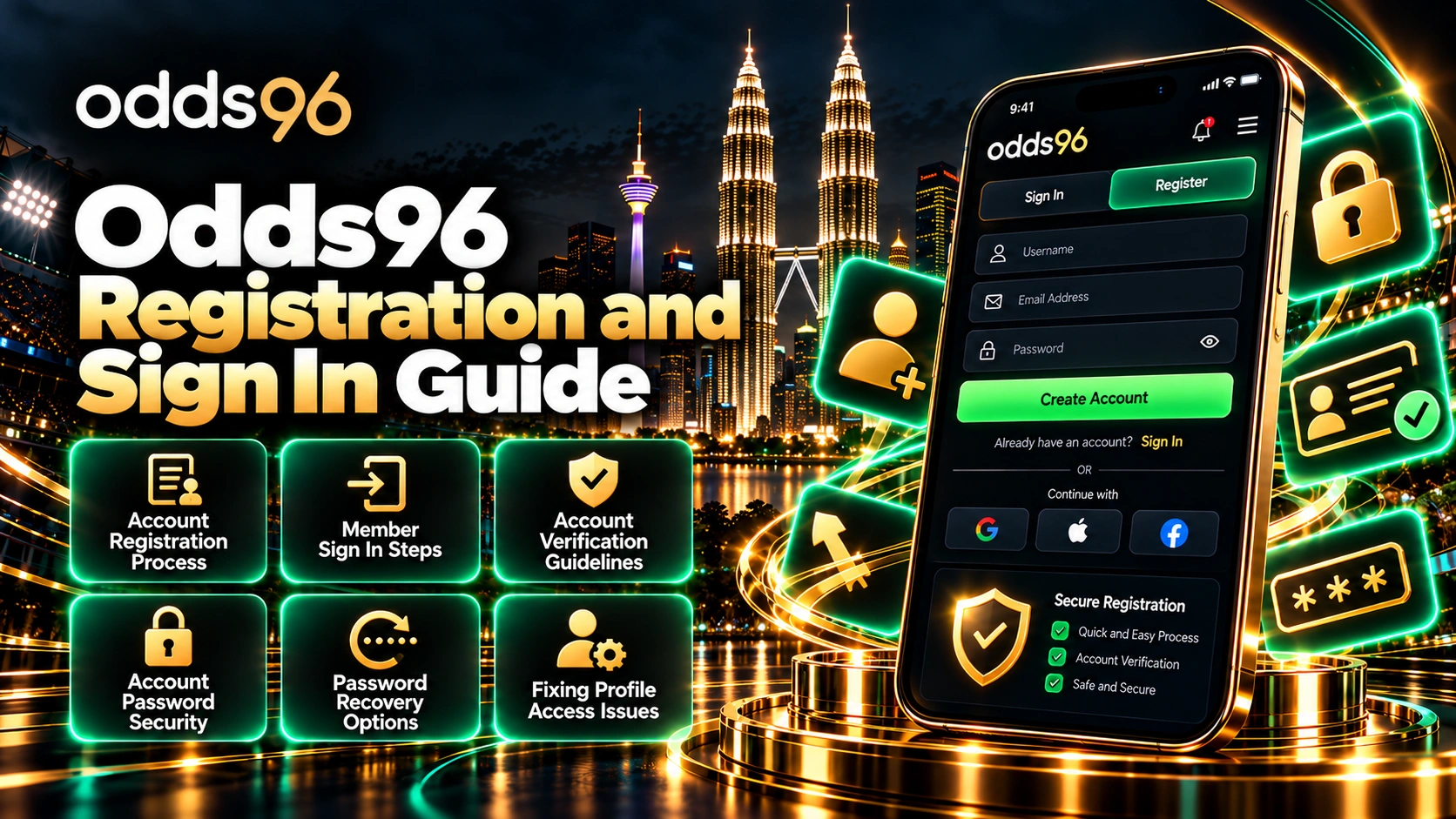
Account Registration Process
Creating an authorized user profile is the mandatory first step toward unlocking the full spectrum of sports betting markets and live casino lobbies. The system is engineered for maximum efficiency while adhering strictly to international compliance requirements.
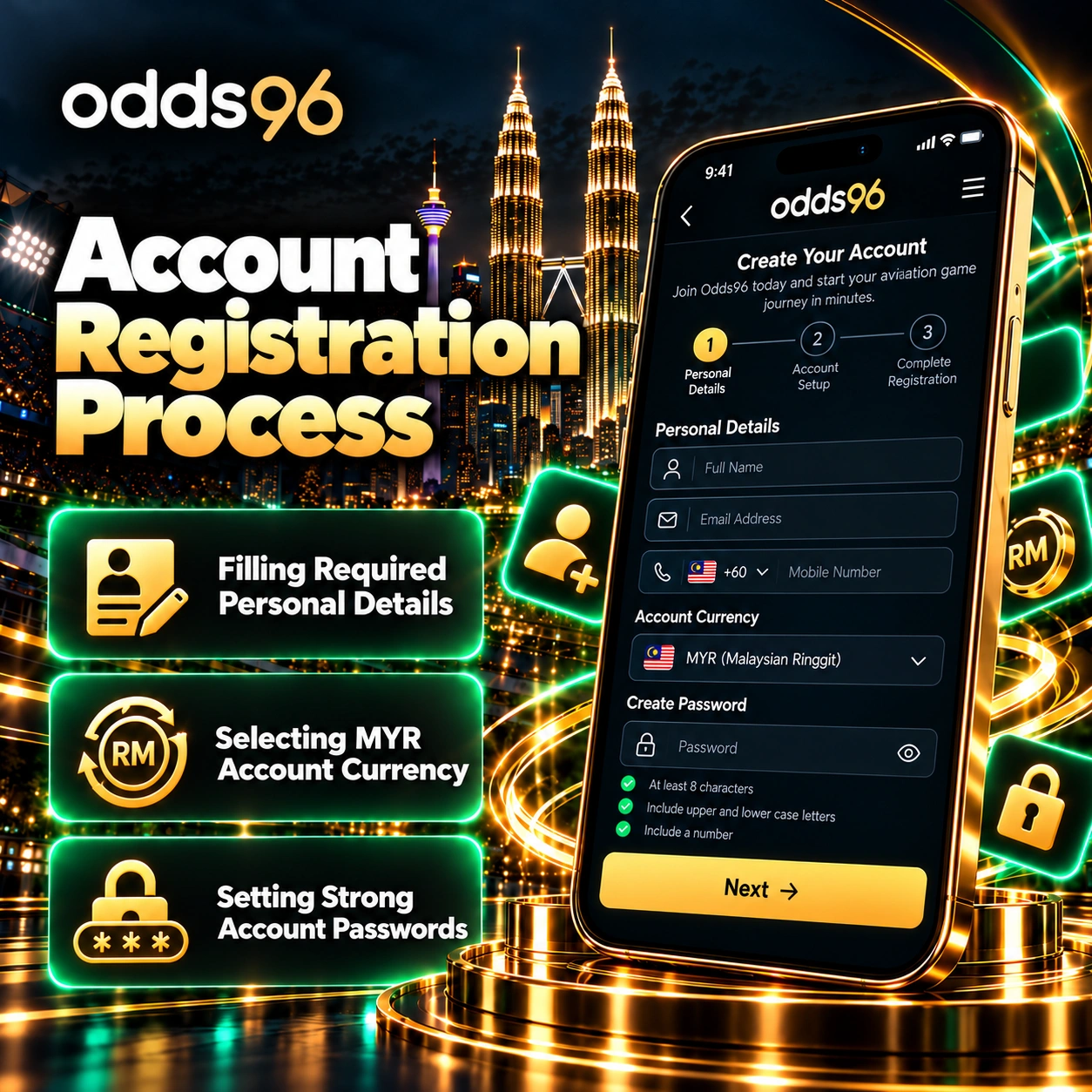
Filling Required Personal Details
The initial onboarding sequence begins by navigating to the main web portal and selecting the prominent registration button. Participants are prompted to provide accurate contact information, including an active email address and a valid mobile phone number. It is critical that these details match your personal records, as they serve as the primary communication channels for verification tokens, security alerts, and administrative notifications. Providing inaccurate or temporary information can lead to future account locking or delayed financial transactions during withdrawal requests.
Selecting MYR Account Currency
Choosing the correct base currency during sign-up is essential for seamless fund management. Regional users targeting the Malaysian market can select the Malaysian Ringgit (MYR) where available, or a universally supported alternative, ensuring that deposits and payouts are processed without incurring unnecessary foreign exchange conversion fees. Selecting your preferred currency locks the structural denomination for your cash wallet, bonus tracking metrics, and wagering limits across all active sports and virtual casino sessions.
Setting Strong Account Passwords
Security begins at the moment of profile creation. Participants must formulate a robust, unpredictable password that merges uppercase and lowercase alphabetic characters, numerical digits, and unique symbols. Avoiding easily guessable personal details—such as birth dates, names, or repetitive number sequences—prevents unauthorized third-party access. Once the form is submitted, a verification code sent via SMS or email finalizes the profile activation sequence.
| Registration Step | Action Required | Primary Purpose |
| Contact Data Input | Provide valid email and mobile number | Account communication and recovery |
| Currency Selection | Choose MYR or preferred primary wallet | Eliminate conversion fees and track bets |
| Credential Creation | Build a complex alphanumeric password | Protect profile against unauthorized entry |
Member Sign In Steps
Returning to an established account is designed to be swift, secure, and adaptable across multiple device environments, including desktop computers and portable mobile browsers.
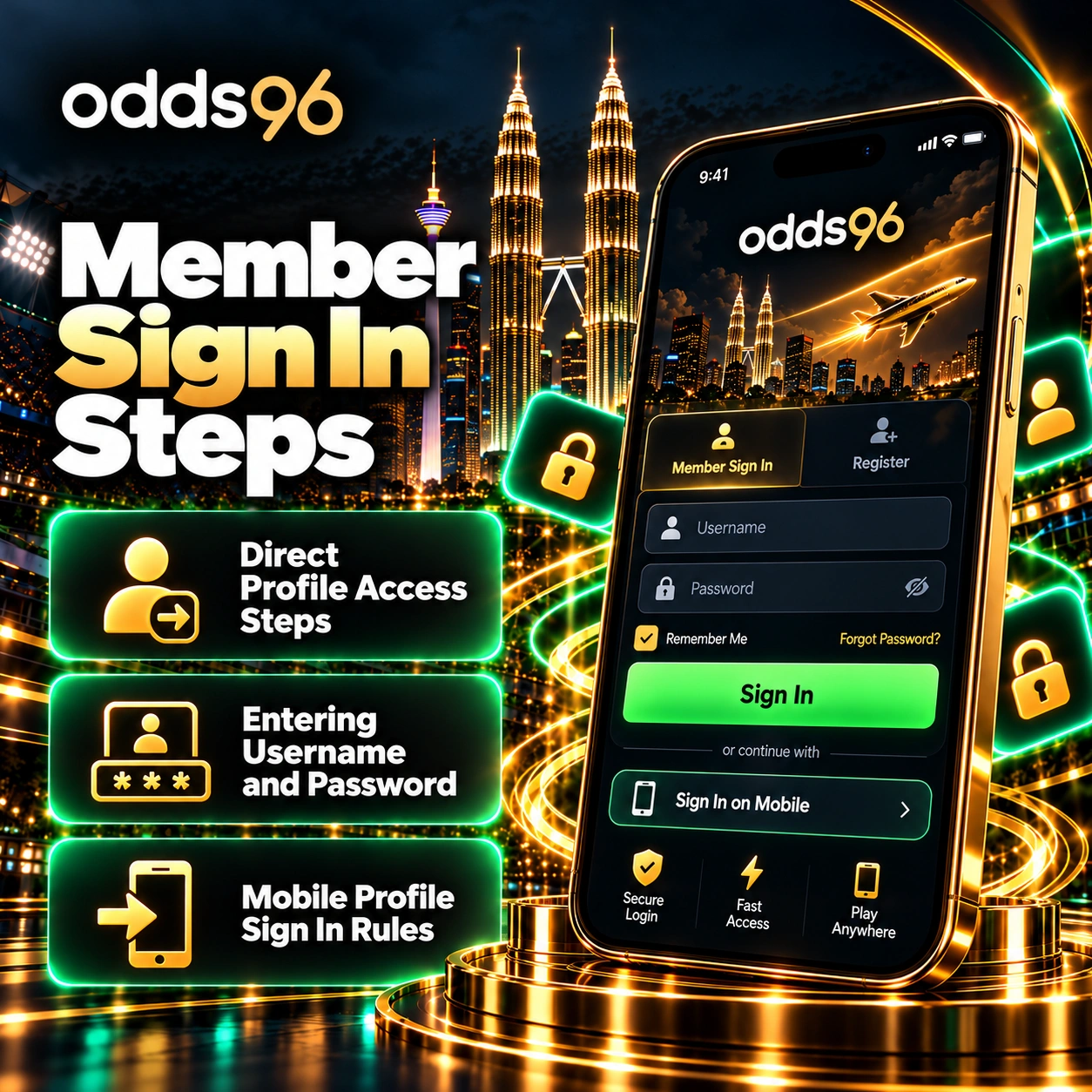
Direct Profile Access Steps
To access your dashboard, navigate to the official platform homepage and locate the primary sign-in button positioned in the upper right corner of the interface. Clicking this element opens the secure gateway where you input your unique access credentials. Ensuring you are on the genuine, encrypted domain protects your keystrokes from interception by malicious actors or phishing clones.
Entering Username and Password
The portal accommodates flexible sign-in parameters, allowing users to authenticate via their registered email address, mobile phone number, or linked social media accounts. Enter your chosen identifier alongside your secret account password. If you have opted for social connect integration during initial setup, a single click on the corresponding provider icon bypasses manual credential entry entirely.
Mobile Profile Sign In Rules
Engaging with the platform via smartphones or tablets follows an identical security logic. Mobile web browsers automatically adapt the sign-in layout to fit smaller touchscreens while retaining full cryptographic protection. Whether utilizing a mobile browser or a dedicated application framework, your session tokens remain heavily encrypted, ensuring that your active wallet balance and personal data stay protected during transit over cellular or public Wi-Fi networks.
Account Verification Guidelines
To comply with global Anti-Money Laundering (AML) regulations and safeguard platform integrity, identity verification (commonly known as KYC) is a standard requirement before major financial withdrawals can be fully processed.
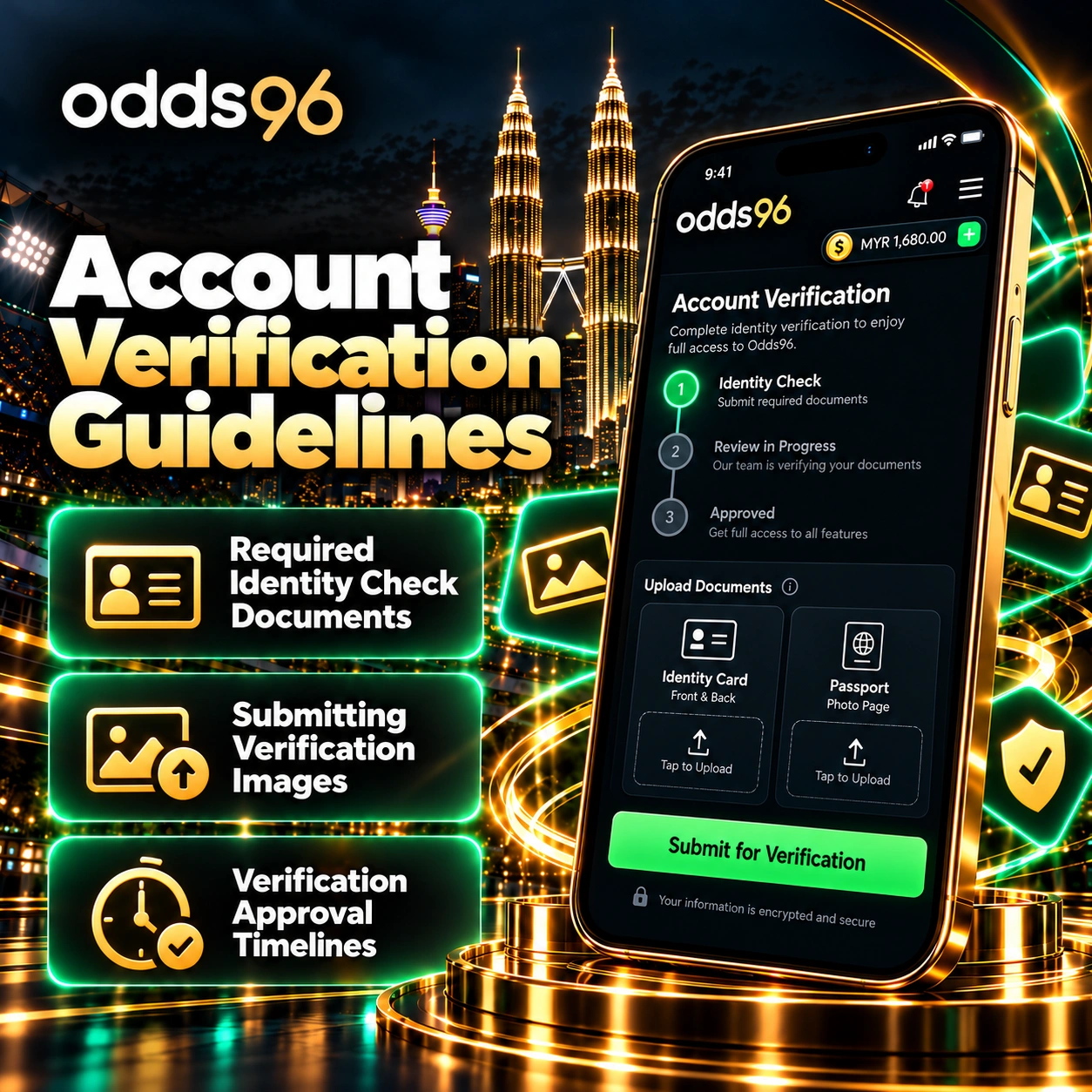
Required Identity Check Documents
Fulfilling verification standards requires submitting clear digital copies of official government-issued identification. Accepted documentation typically includes a valid national identity card, international passport, or an approved driving license. In certain instances, secondary proof of address—such as a recent utility bill or official bank statement matching your registered profile data—may be requested by the compliance review team.
Submitting Verification Images
To prevent unnecessary rejections, document submissions must adhere to strict visual quality standards. Ensure that all four corners of the identification card or document are fully visible within the frame, with no blurring, glare, or digital obstruction. Images should be uploaded directly through the secure profile settings interface rather than transmitted via unencrypted communication channels like public email or chat applications.
Verification Approval Timelines
Platform efficiency ensures that automated compliance checks and initial document reviews are typically completed within a few minutes. However, during periods of high administrative volume or when secondary manual audits are triggered, review windows can extend up to twenty-four hours. Once approved, the account status updates automatically, unlocking full withdrawal capabilities.
- Open your user dashboard and navigate to My Profile, then select Settings.
- Locate and select the Get Verified option to launch the secure document submission portal.
- Choose the appropriate identification document type and upload clear front and back captures.
- Complete any required liveness or selfie matching prompts if requested by the system interface.
Account Password Security
Maintaining long-term account safety requires proactive credential management and adherence to advanced security practices designed to thwart digital threats.
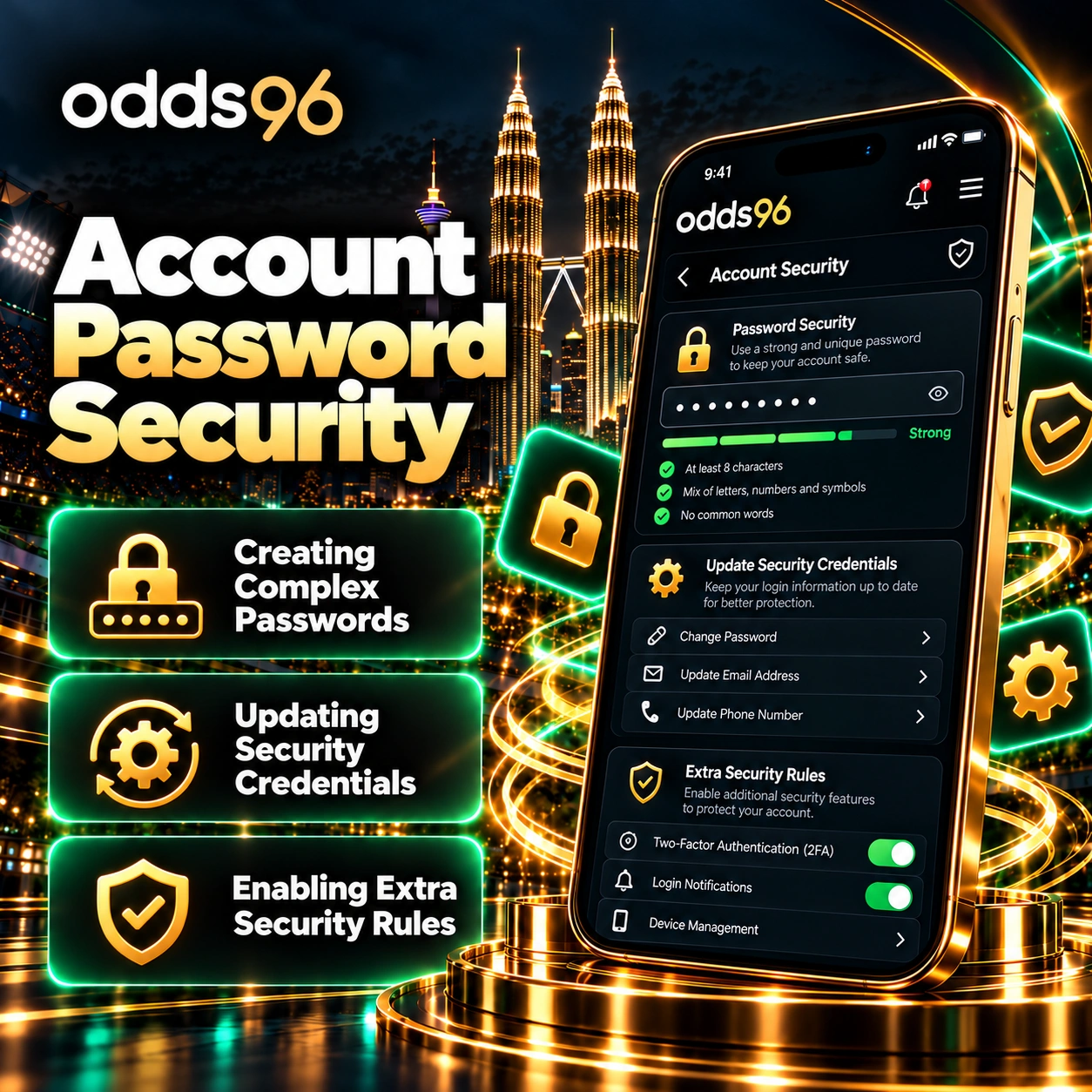
Creating Complex Passwords
A secure password acts as the primary fortress protecting your digital bankroll. Regularly auditing your password strength and ensuring it exceeds standard length requirements (at least 10 to 12 characters) significantly increases resistance against automated brute-force attacks. Never reuse passwords across multiple external websites or forums.
Updating Security Credentials
If you suspect that your profile privacy has been compromised, or as a matter of routine digital hygiene every few months, updating your password via the profile settings menu is strongly recommended. The system will require you to input your current active password before permitting the creation of a new, distinct replacement string.
Enabling Extra Security Rules
Beyond standard passwords, maximizing safety involves activating supplementary security layers where available. This includes linking your account to verified communication channels, monitoring active login sessions from recognized devices, and logging out immediately after your entertainment session concludes, especially when operating on shared or public hardware.
Password Recovery Options
Misplacing or forgetting login credentials can disrupt your entertainment, but the automated recovery infrastructure facilitates rapid, secure restoration of profile access.
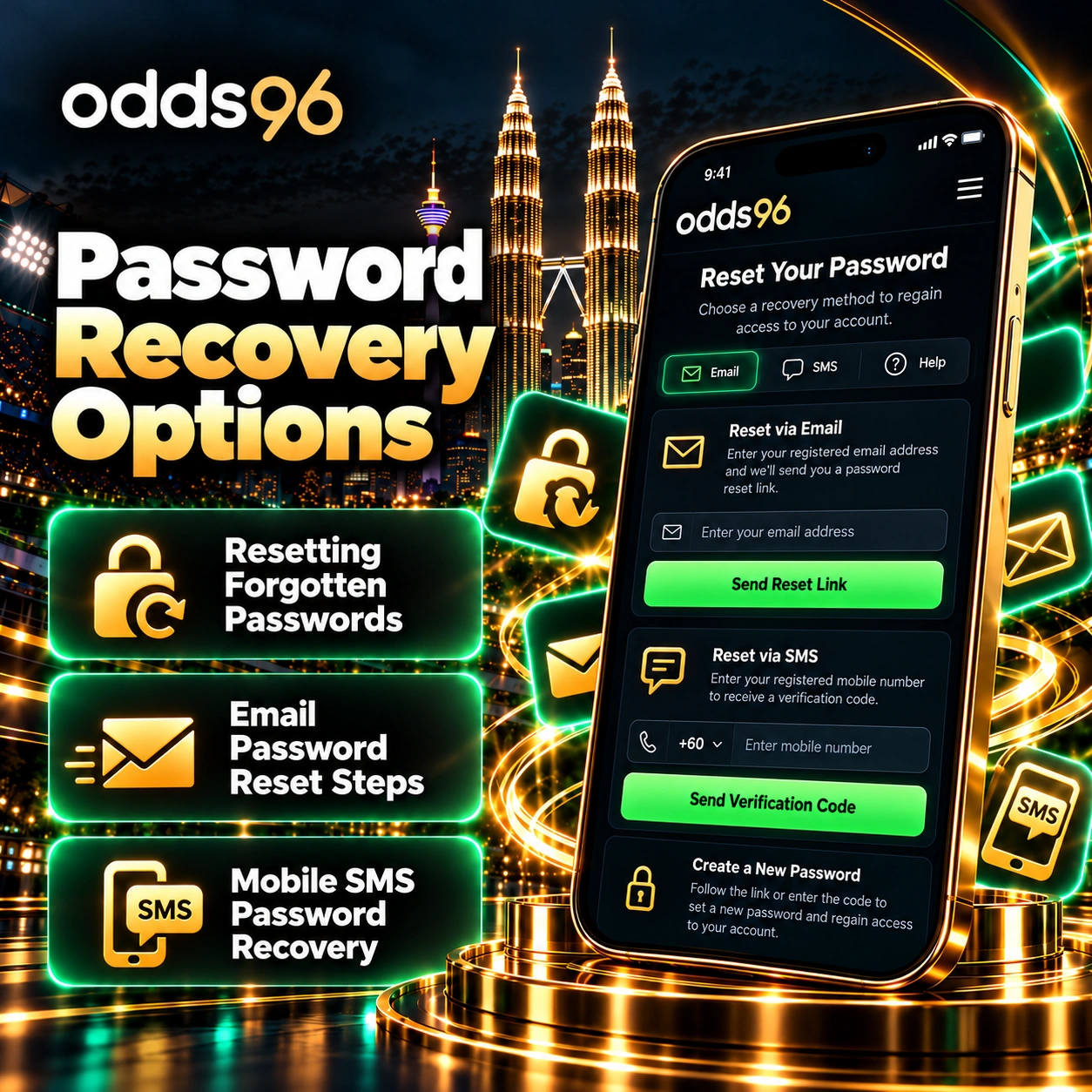
Resetting Forgotten Passwords
If you cannot remember your password, initiate the recovery sequence by clicking the Forgot Password? link located directly beneath the primary sign-in entry fields. This triggers an automated system prompt requiring you to input the email address or mobile phone number linked to your registration.
Email Password Reset Steps
When utilizing email recovery, the platform dispatches a secure, time-sensitive cryptographic link directly to your inbox. Clicking this link redirects you to an encrypted webpage where you can define and confirm a brand-new account password, restoring immediate access to your dashboard and funds.
Mobile SMS Password Recovery
Alternatively, selecting mobile recovery sends a unique verification token via SMS text message to your registered smartphone. Entering this numerical token into the recovery prompt verifies your identity and instantly permits the establishment of a fresh, secure password, ensuring minimal downtime.
Fixing Profile Access Issues
Even with robust systems in place, users may occasionally encounter technical hurdles related to profile access or authentication errors. Knowing how to diagnose and resolve these issues ensures a swift return to gaming.
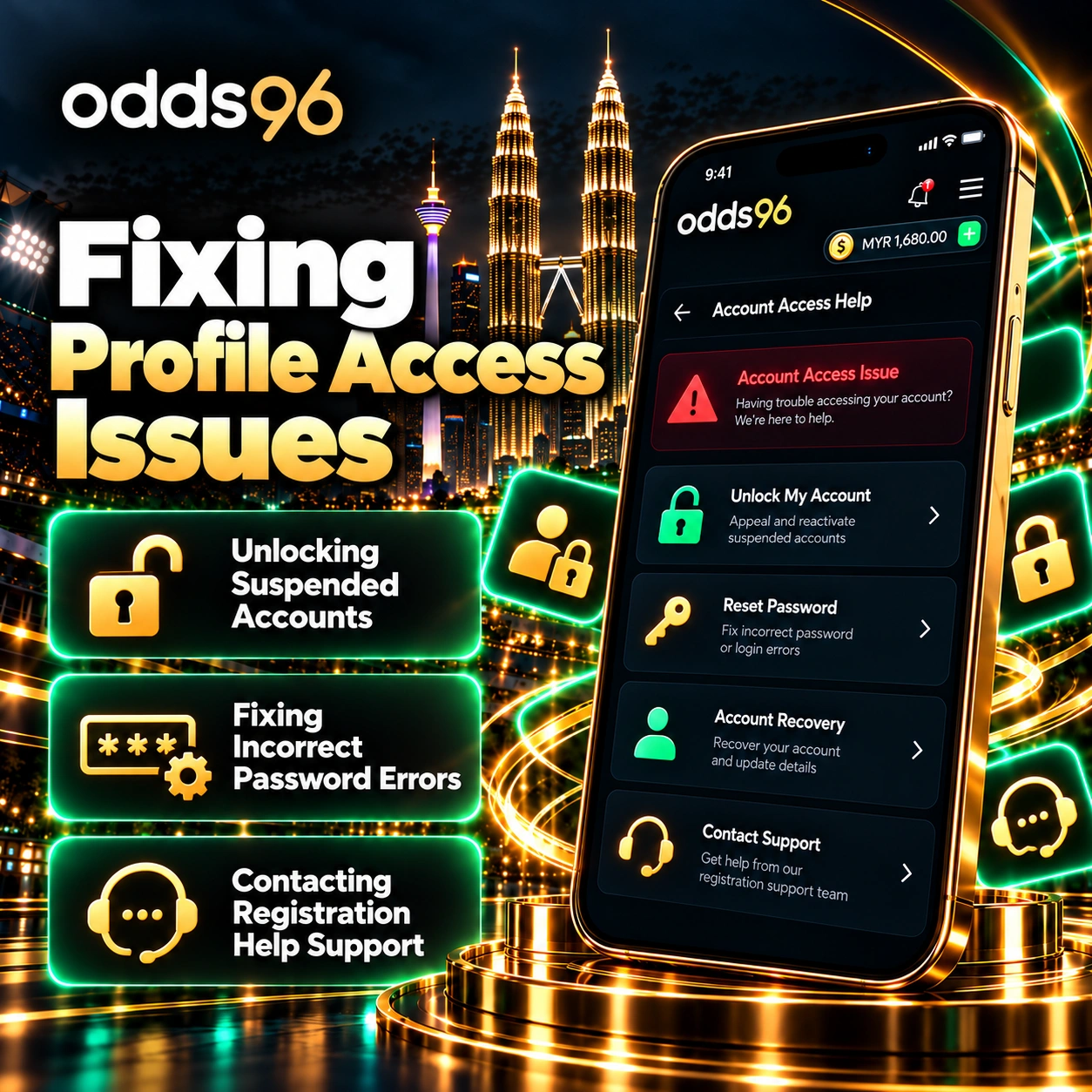
Unlocking Suspended Accounts
Accounts can occasionally face temporary administrative locks if multiple incorrect password attempts are registered, triggering automated security protocols to prevent brute-force intrusions. If your profile is locked, avoid making additional failed attempts and instead reach out directly to the 24/7 live support desk to verify your identity and restore access safely.
Fixing Incorrect Password Errors
Double-check your keyboard settings to ensure that caps lock is not inadvertently enabled, and verify that no trailing blank spaces were copied when inputting your credentials. If error messages persist despite confirming your details, utilize the password recovery utility rather than repeatedly guessing.
Contacting Registration Help Support
When technical glitches, verification rejections, or account-specific anomalies cannot be resolved independently, professional support channels remain accessible around the clock. Utilizing the integrated live chat widget connects you with a support specialist who can investigate your profile status, clarify documentation requirements, and guide you through structural troubleshooting.
FAQ
No, once a primary wallet currency—such as MYR—is locked during sign-up, it cannot be changed independently. You must contact customer support for assistance regarding currency adjustments.
Review the specific rejection reason provided in your profile settings, ensure your images are clear with all four corners visible, and resubmit the correct document files.
No, platform terms and conditions strictly restrict individuals to a single active profile. Creating duplicate accounts can result in suspension and forfeiture of associated funds.
The automated password reset process via email or SMS is nearly instantaneous, allowing you to regain account access within just a few minutes.